
The invoice they'll actually open.
Emails get buried. A text with the amount and a pay link gets read in minutes. Paythepoolman texts invoices, bids, reminders and service notices, with per-customer opt-in and a report that shows exactly what's working.
Add-on · text credits purchased in packages, one credit per text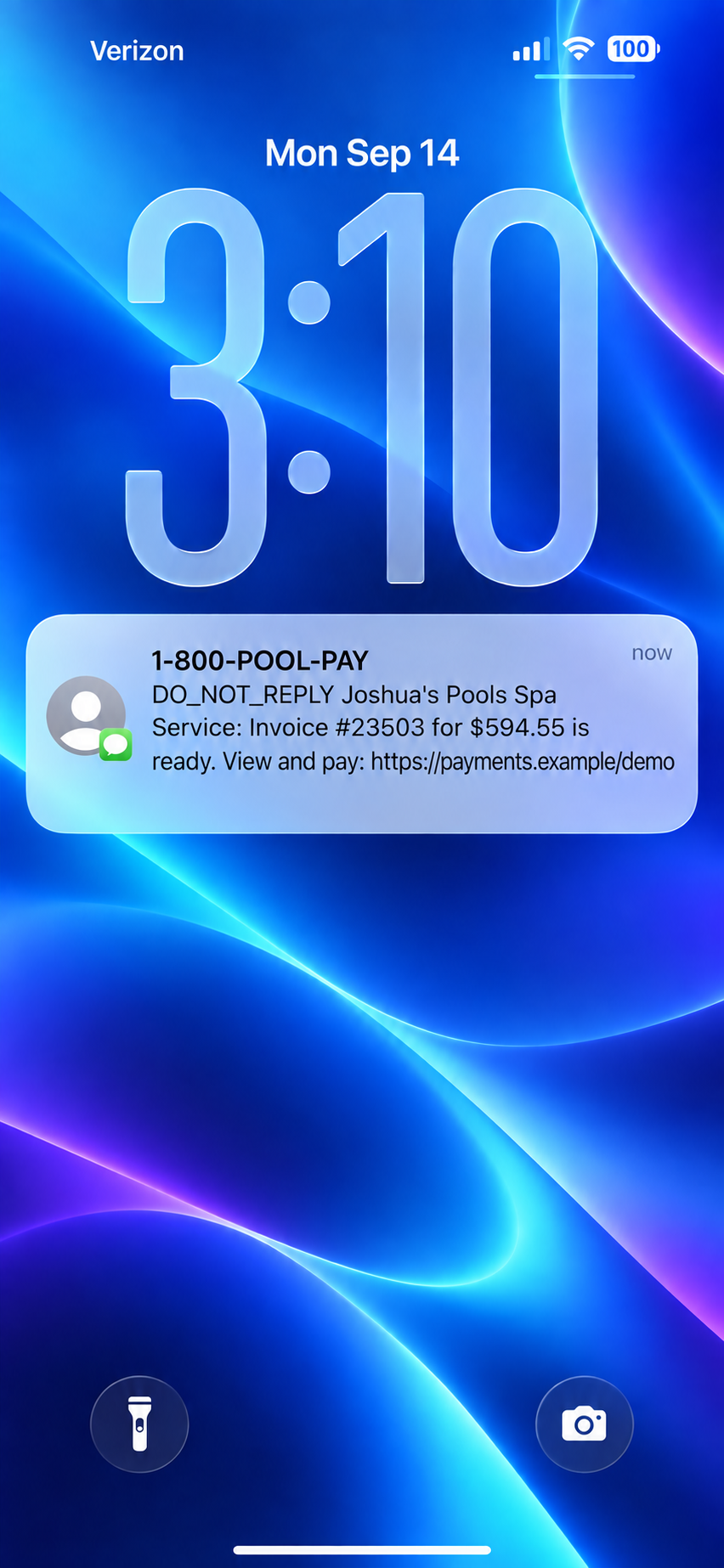
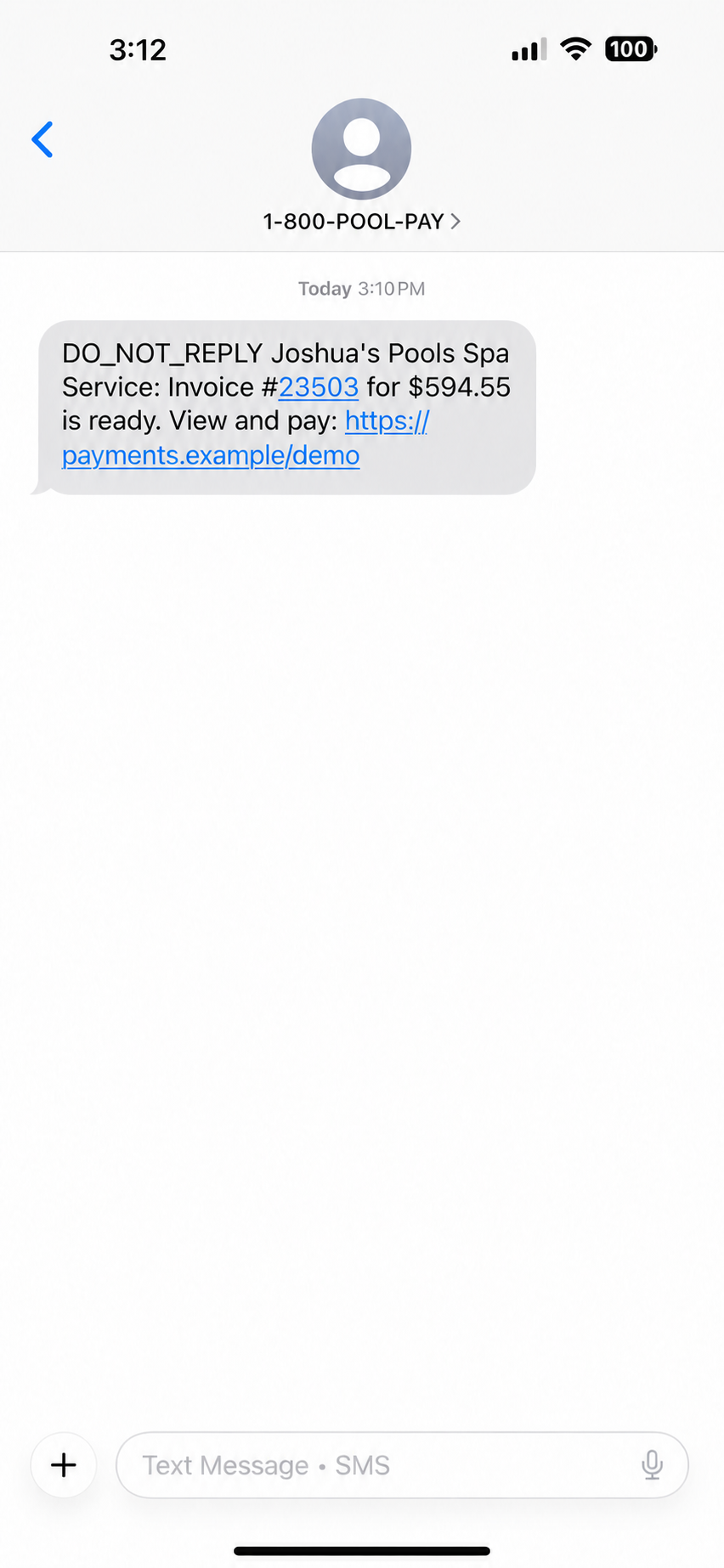
One tap to text. One tap to pay.
Invoice by text
From any invoice, send a text with the invoice number, the amount and a secure view-and-pay link valid for 30 days. Texts get read in minutes, not buried under forty promotional emails.
Mass text every past-due customer
Select everyone who is late and send one message. Each customer receives their own personalized payment link, and overdue notices are held for 10 days so nobody is texted twice.
Bids by text*
Estimates go out the same way, with an approval link, and unanswered bids get a one-tap reminder text from the Open Bids report.
Card on file by text
Text the customer a secure link to add or update their own card, no numbers over the phone.
Late-account reminders
Write your own message and Paythepoolman appends the customer's portal link.
Service and repair notices
Filter cleaning and salt cell cleaning notices, repair requests with photos, and repair-completed texts.
Per-customer opt-in
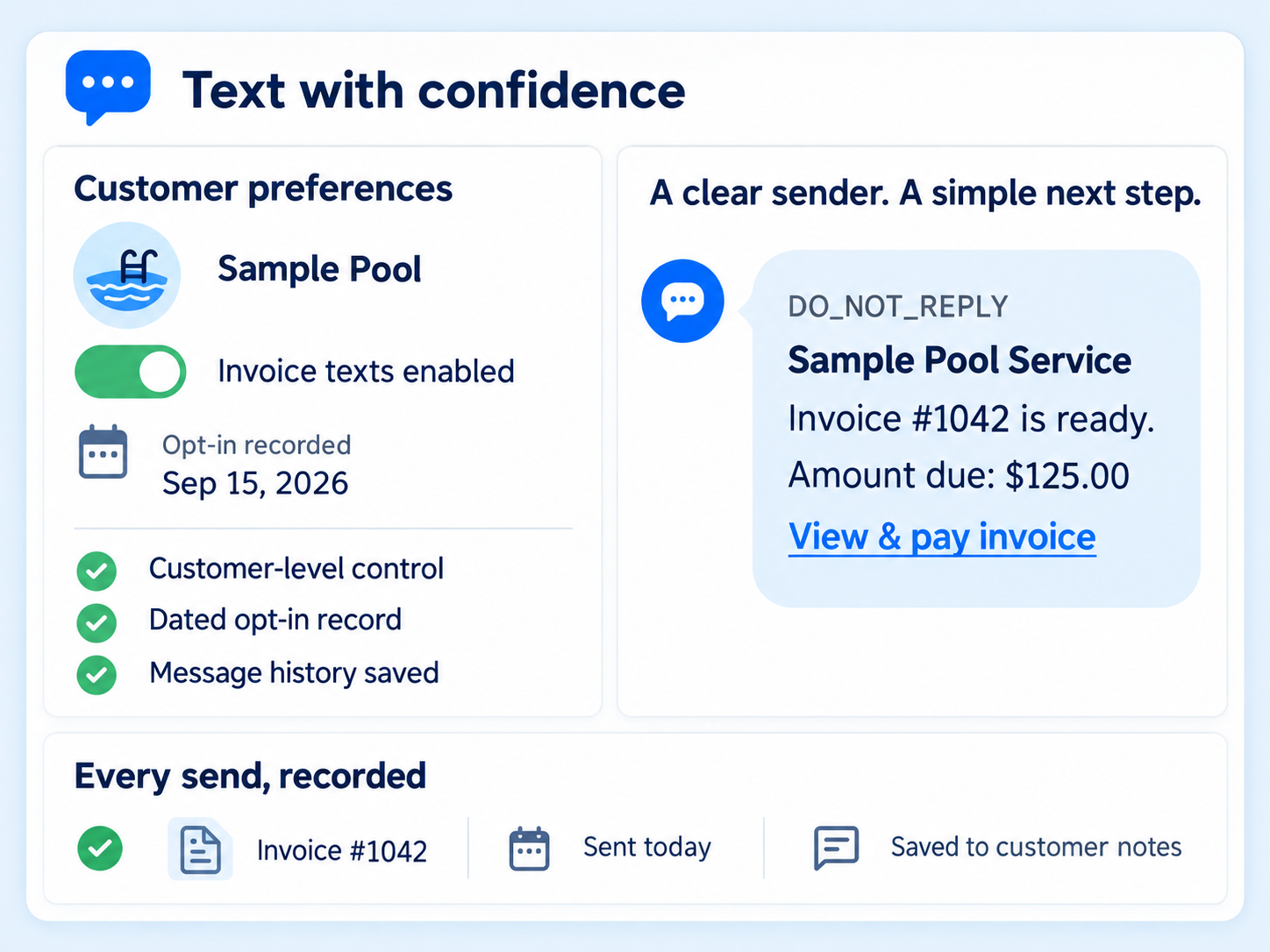
Turn automatic invoice texting on or off per customer. The opt-in date is recorded and a note is written to their record.
Text Bucket enhancement
Expand the basic text capabilities so every invoice can be texted straight to the customer with a pay link: bids, monthly billing, and whole billing batches. Buy credits in packages and watch your balance and usage from one screen.
Set it up once. Get paid faster every month.
Buy credits
Pick a package in the Text Bucket. One credit sends one text.
No credits needed for overdue reminders, card-on-file requests, or repair request texts. Those are included by default.Opt customers in
From the Text Messaging Report, switch on automatic invoice texting for the customers who want it.
Send
Invoices, bids and reminders go out with a secure link. Each send is logged to the customer's notes.
Relax
Now you can just watch your payments come in and your bids get approved, all automatically, without doing anything extra.
Texts get opened. Emails get buried.
An invoice sent by text lands in the one place your customer looks fifty times a day, with the amount and a pay link right there. It goes out under your company name, and you decide which customers get it.
- Get paid the day the invoice goes out, not at the end of the month
- Fewer "I never got the invoice" calls, because texts don't disappear into spam
- Customers pay from the link in seconds. No login, no app to install, no phone call
- You stay in control: opt customers in one at a time and see exactly who is getting what
Service texts are common. Invoice texts with a pay link are not.
Skimmer lists service texts (included on Scaling Up, per-message on Getting Started) and Jobber lists SMS messaging on Connect and above. Neither lists invoices delivered by text with a payment link, per-customer opt-in reporting, or mass texting of past-due accounts. Pool Brain and Pool Office Manager list text notifications only.
"I enjoy Paythepoolman because it saves me time on billing and communicates with my clients very well."
Hydrobright PoolsText messaging FAQs
What does an invoice text look like?
A short message from your company name with the invoice number, the amount, and a secure link where the customer can view and pay. The link is valid for 30 days.
How are texts paid for?
With text credits bought in packages. One credit sends one text. Your balance, purchase history and usage are shown in the Text Bucket screen, and sending pauses when the balance runs out.
Do customers have to opt in?
Yes. Automatic invoice texting is switched on per customer from the Text Messaging Report. The opt-in date is recorded and a note is written to the customer's record. It cannot be turned on for a customer without a phone number.
What else can I text?
Bids with an approval link, bid reminders, late-account reminders, mass texts to every past-due customer, filter and salt cell cleaning notices, repair requests with photos, repair-completed notices, and card-on-file requests.
Works hand in hand with
Send next month's invoices where they'll be read.
Thirty days free. Talk to a pool pro, not a ticket queue.
* Invoice, bid and billing-batch texts use the Text Bucket feature. Credits are purchased in packages and one credit sends one text. Overdue reminders, card-on-file requests and repair request texts are included at no charge.