
Hours from the field, straight into payroll.
Techs clock in and out in the app. The office reviews the month, fixes what's missing, and sends approved hours to payroll in one action. Direct deposit, tax filings and year-end documents are handled inside your Paythepoolman account.
Add-on · $12 per employee per month plus a one-time sign-up fee · time clock included in every plan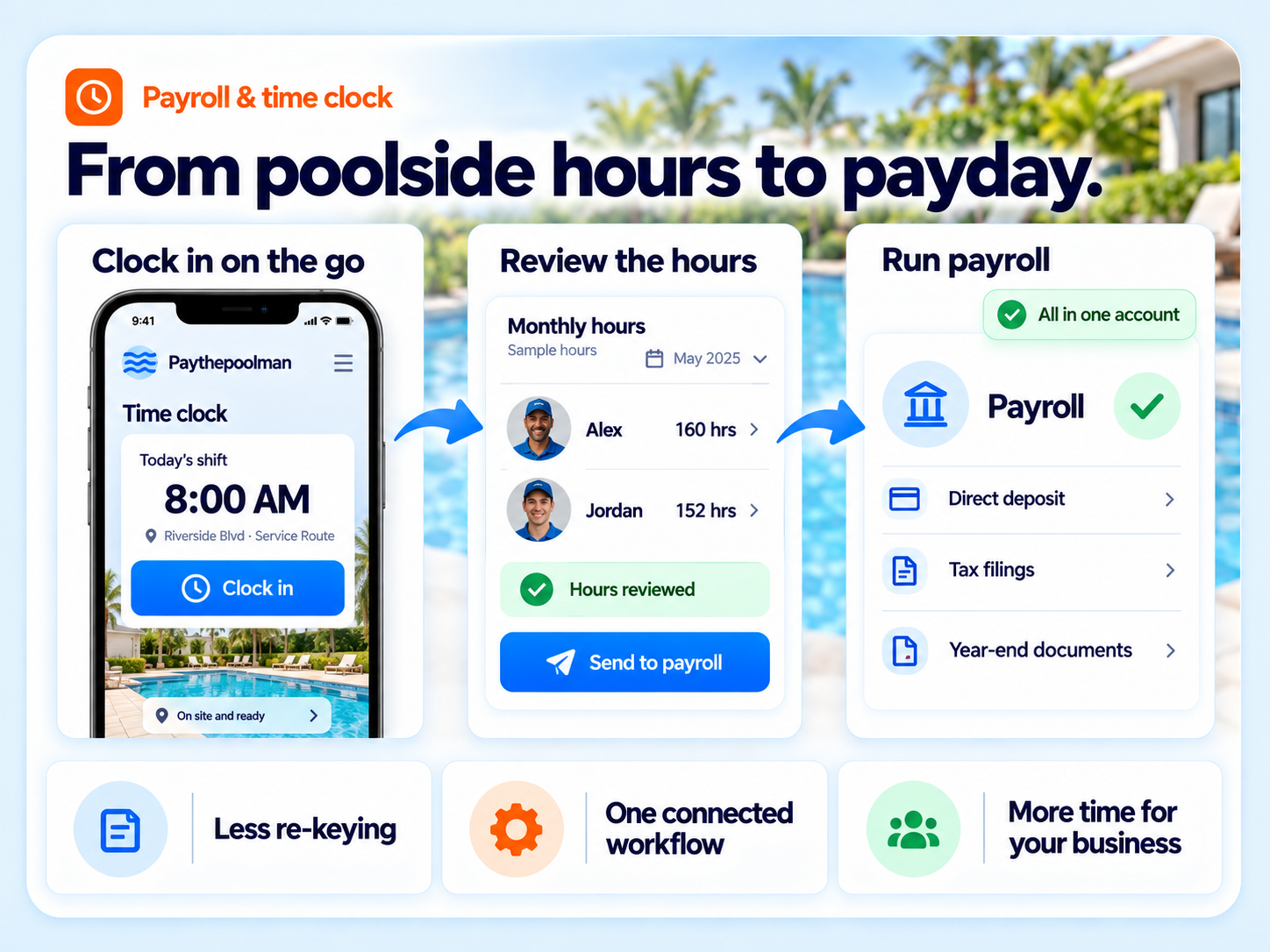
From clock-in to paycheck without re-keying.
Hours from the field, straight into payroll
Techs clock in and out in the app. The office reviews the month, fixes what's missing, and sends every approved shift to payroll in one action, in each employee's own time zone. Nothing is re-keyed, and sent shifts lock so nothing changes after the fact.
Integrated processing
Direct deposit, tax calculations, quarterly and annual filings and year-end documents, powered by Everee inside your Paythepoolman account. Labor compliance for every U.S. state.
Built-in time clock
Clock-in and clock-out per employee from the mobile app, with per-shift duration computed automatically.
Timesheets by month or all time
Review every shift with a running total. Spot "missing time" entries before payroll runs.
Office edits
Add a forgotten shift or fix a wrong clock-out from the office. Edits lock once a shift has been sent to payroll.
Employee self-onboarding
Employees complete their payroll onboarding from the Plus app. Owners start enrollment from Employee Center.
Contractors and tips
Per-employee flags for track hours, sub-contractor status, and whether the employee can receive customer tips.
Labor and employee reports
Labor report by technician, and an employee report with pools serviced per month and service charts.
Payday in four steps.
Clock in, clock out
Techs tap in and out on the mobile app. Hours build on their timecard.
Review the month
The office checks each shift, fills in missing time, and sees the total.
Send to payroll
One action posts every approved shift. Sent rows lock.
Run payroll
Pay runs in the embedded payroll panel. Direct deposit and filings are handled.
One place for the whole thing
No more bouncing between a time clock app, a payroll company and a stack of forms. Your techs clock in inside the Paythepoolman Plus app, you sign off on the hours, and they go straight to payroll without leaving Paythepoolman. Employees onboard themselves and see their own pay stubs in the same app they already use every day.
- Time tracking, approval and payroll in one system, not three
- Employees onboard themselves from the Plus app, no paperwork packets
- Pay stubs live in the app, so nobody asks the office for a copy
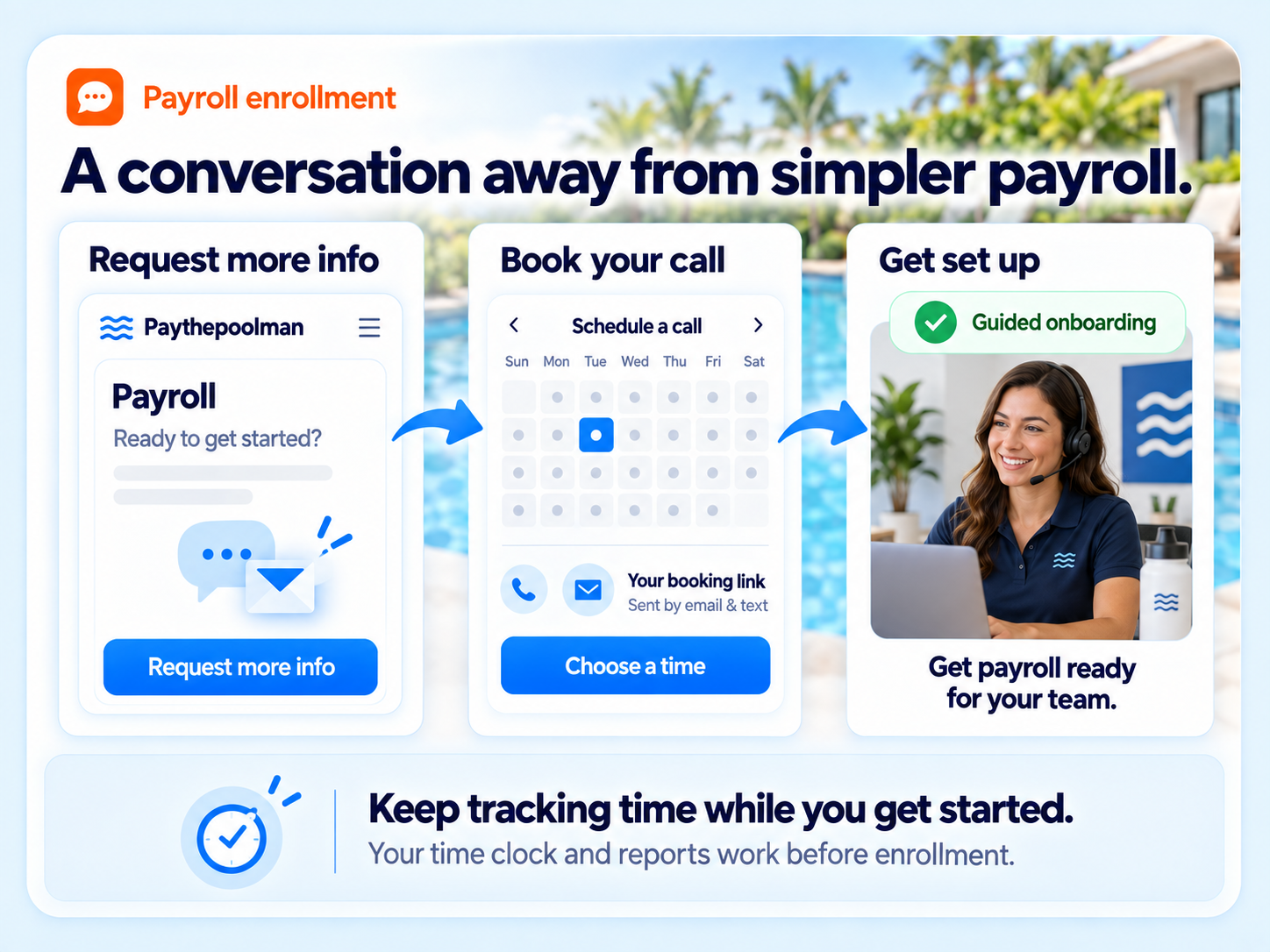
- Enrollment starts with a quick call booked from inside Paythepoolman
The only pool platform with payroll inside it.
Pool Brain lists payroll calculations only. Jobber lists time tracking on its Connect plan but no payroll. Skimmer and Pool Office Manager list neither a time clock nor payroll on their public feature pages.
"These guys are amazing! This software has made running our pool business easier and they are always improving the software by listening to their clients."
App Store reviewPayroll FAQs
How do hours get into payroll?
Technicians clock in and out in the app. The office reviews the timesheet, fixes any missing entries, then sends each approved shift to payroll in one action. Sent shifts lock so they cannot be edited afterward.
Who processes the payroll?
Paythepoolman Payroll is powered by Everee and runs inside your Paythepoolman account. Direct deposit, tax calculations, quarterly and annual filings and year-end documents are handled there.
What does payroll cost?
$12 per employee per month plus a one-time sign-up fee. Enrollment starts with a short onboarding call booked from inside the app.
Can I use the time clock without payroll?
Yes. The time clock, timesheets, labor report and employee report are included in every plan whether or not you enroll in payroll.
Works hand in hand with
Stop running payroll in a second system.
Thirty days free. Talk to a pool pro, not a ticket queue.